GenAI Payment Extraction to Extend Automation & Pipeline
An LLM-based extraction workflow that garnered 6% immediate adoption by the customer base, established the feature as a net new customer entry point, and increased time to revenue.
Tesorio, Accounts Receivable
Research • Design • GenAI
"Lump sum" deposits from bank lockbox transactions break automation
Cash application -- the process of linking invoices to payments so they can be recorded as paid -- is a crucial step in verifying that revenue has actually been paid. Many Accounts Receivables teams used automated systems to speed up the matching process of connecting payments to invoices. However, one type of transaction can slow this automated process -- lockbox deposits.
In the U.S., up to 40% of B2B payments are still made using paper checks. To speed up the check deposit process, some companies use a "lockbox" (ie, locked mailbox) at their bank. The bank deposits checks sent to the lockbox on behalf of the company. The only catch is that when the bank makes the deposit, they do it in bulk. So, if 10 customers sent in checks on a given day, the bank will make one deposit for the total sum of all those checks. This "lump sum" deposit throws a wrench in the automated matching process because the algorithm has no idea which combination of customers and payments are included in that bundle.
Can GenAI unpack lump sums and generate payments?
Cash Application Specialists typically have to break down lump sums manually, using check scans provided by the bank. The business proposal was to use GenAI (specifically, OpenAI and Extend) to parse the check scans, extracted targeted values (check number, amount, customer name, etc.) and generate payment records in the system. From here, the rest of the standard, automated process would kick back in.
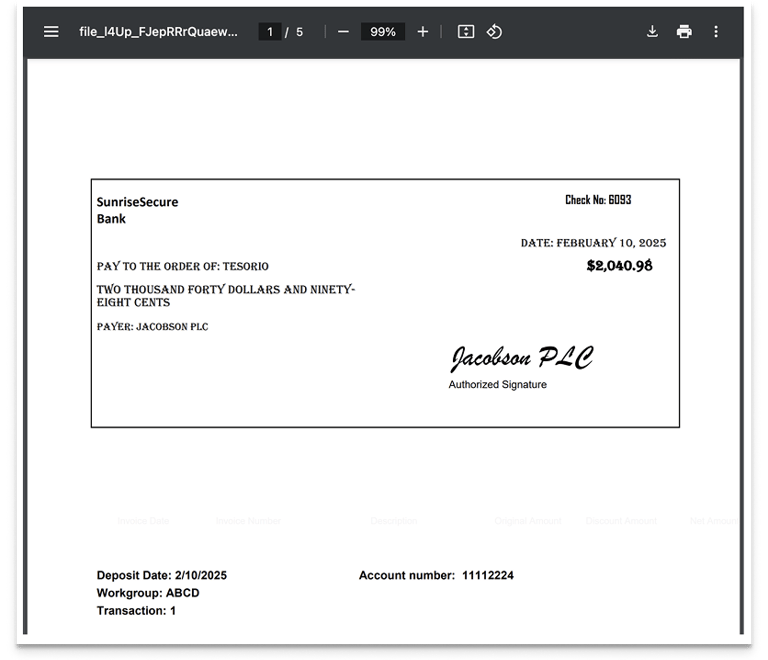
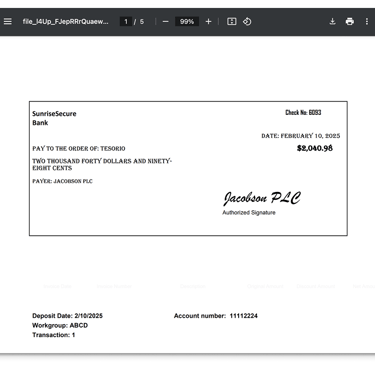
Banks provide a file of scanned checks following a lockbox deposit in order to help with the deposit breakout on the client side.
Starting with a half-baked solution
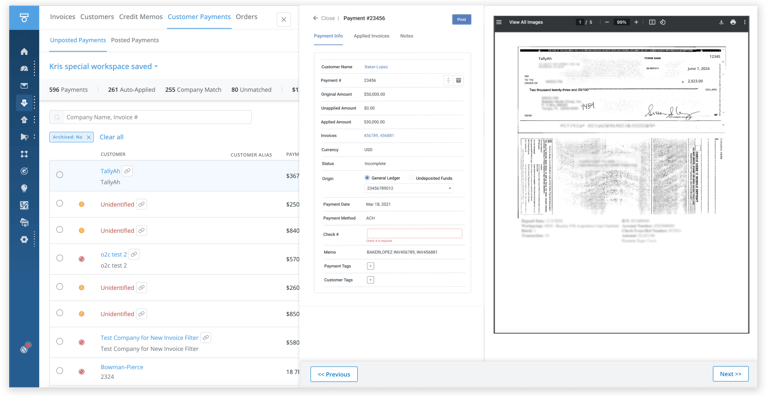
To test to technical feasibility of the extraction process, a skunkworks group of engineers and a PM -- the Explore team -- created a working HTML prototype and GenAI extraction flow. The initial performance of this prototype was impressive enough that the company decided to formalize the effort. A new team was assembled to fully build out the feature. But the starting point was the existing prototype.
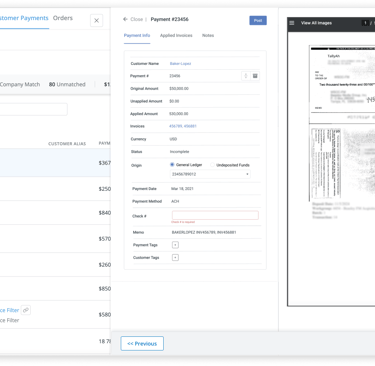
The starting point was an existing HTML prototype that had been built by the "Explore" team, who tested the concept for technical feasibility.
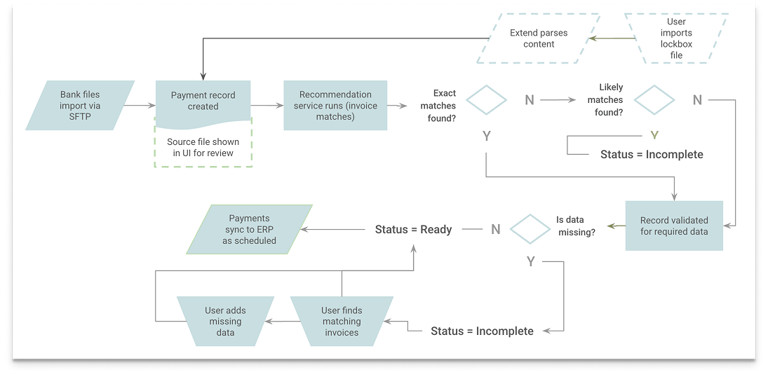
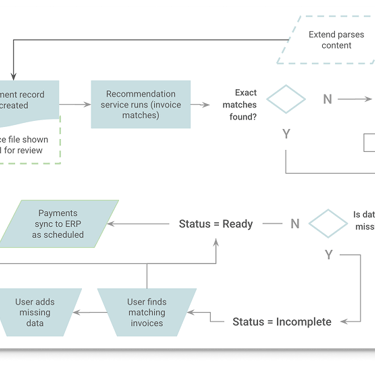
AI-generated payments would be inserted directly into the existing process.
Leveraging existing research to optimize touches
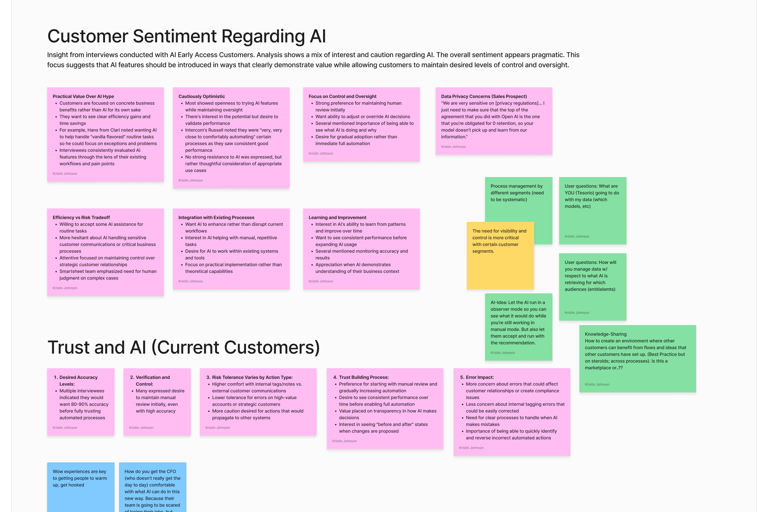
The Explore team had already conducted a round of discovery with the current customer base. These conversations focused on process and pricing so there was little I could extract related to user perspectives on AI as part of the experience. Additionally, the audience was limited and I needed them during design validation. So I used existing research on AI related to performance, expectations, and trust as a starting point.
In addition to the existing research, I also dug into sales calls and prospect conversations to learn how potential new customers were thinking about AI as part of their new tool search, and folded those insights in to overarching themes.
I paired existing data on AI-related expectations with insights from prospect calls with sales to get a wider lens on value and impact.
How to ensure users pay attention?
• Final payment accuracy needs to be high (95%)
Success Metric
Users get eyeballs on AI-extracted values and confirm they're correct so bad payment information isn't sent to the ERP.
Bad Payments → ERP <5%
While there was high value in GenAI creating payment records, there needed to be a human-in-the-loop step to ensure that values were extracted correctly.
My challenge was that the Explore team had already done discovery. The conversations focused on bank process and technical aspects of lump sum payments. The lockbox customer group was small and I needed them to review the designs, so my insight was limited from the little I could take from the discovery sessions and existing research on AI.
With the existing layout, any sort of guided review would be challenging
I wasn't sure what, if anything, I would be able to improvise using the existing layout to guide users through the AI-extracted fields in a controlled way.
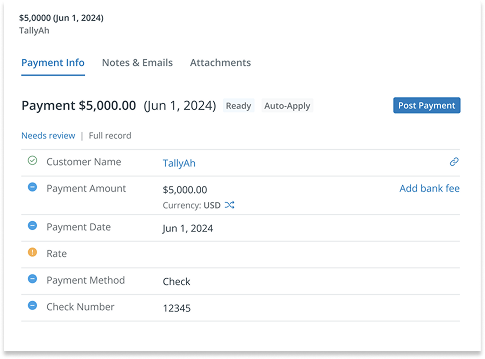
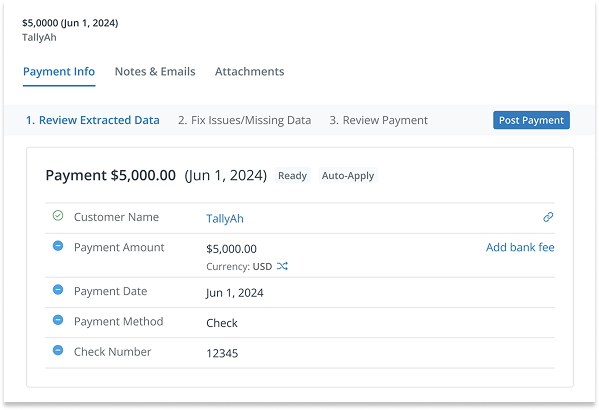
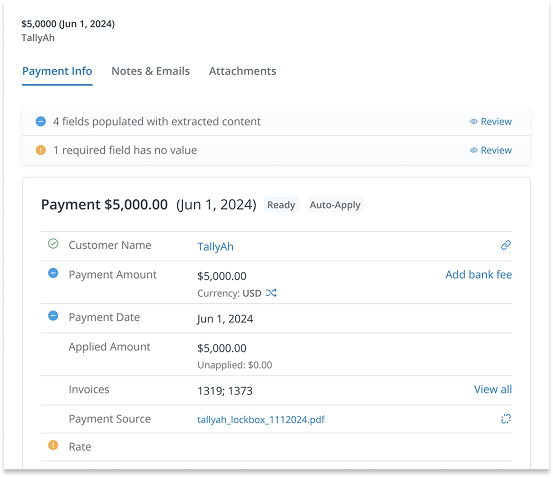
Do I aggregate ALL fields needing attention (including missing values) -- an exception approach?
Or create a series of steps to focus on different types of exceptions?
Or get their attention at the top and guide them through?
I explored several different approaches to get visual attention, but current users found them confusing or cumbersome. Though this process, however, I uncovered a significant assumption that had been baked in from early in the project.
An AI-generated payment record is "Monopoly money"
All existing payment records were created from mapped transaction files. The data was highly reliable. Compare this to AI-generated payments, where values can be incorrect or even missing, not to mention entire payments made up or missed entirely. From a user perspective, AI payments were not on equal footing with other payments -- they were essentially drafts and shouldn't be included in the accounting until vetted. The questions users were asking about AI-based payments were categorically different from transaction-based payments.
Non-AI payments come from mapped bank transaction files. The data quality is unquestionable.
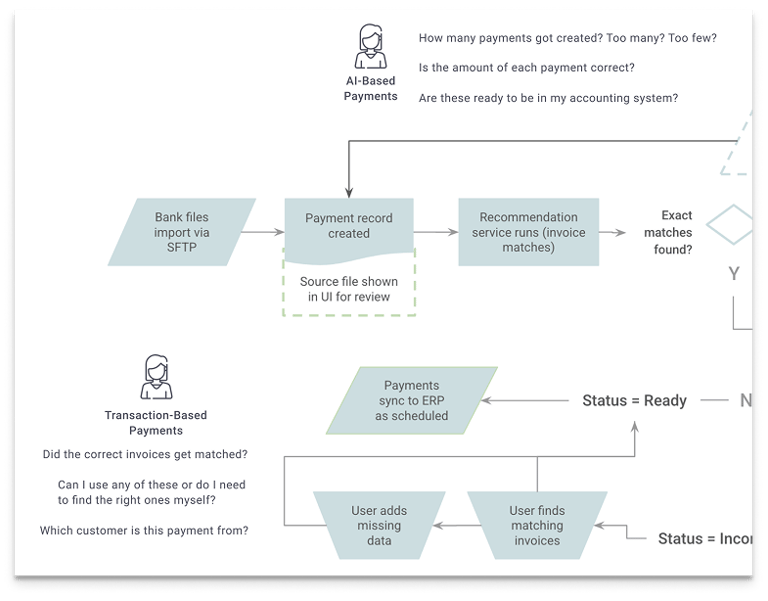
The questions users were asking related to AI-based payments were categorically different from transaction-based payments.
Adding a step--and a new location--for vetting AI-generated payments
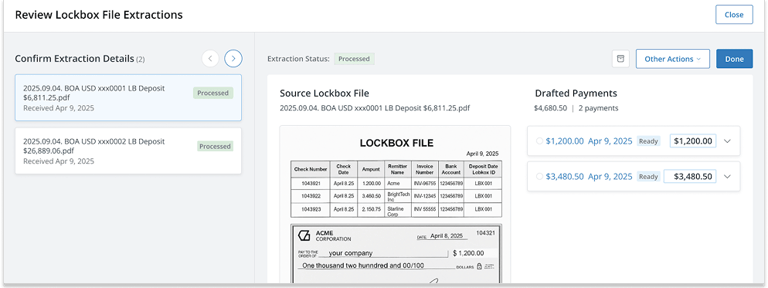
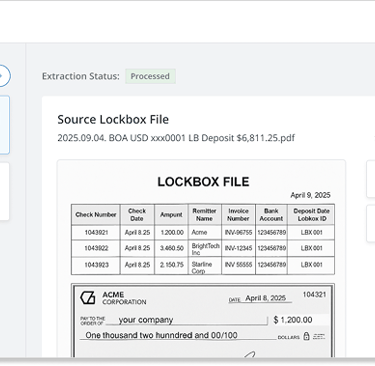
To provide a new, separate view for AI-generated payments, I added a modal overlay accessed directly from the Cash Application module. Within this view the user could confirm total lockbox files processed, ensure the correct number of payments had been created, and review payment details before generating payment records.
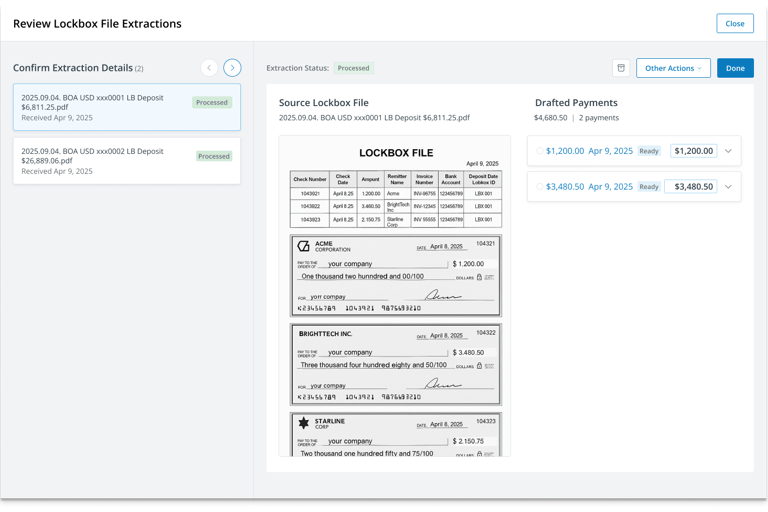
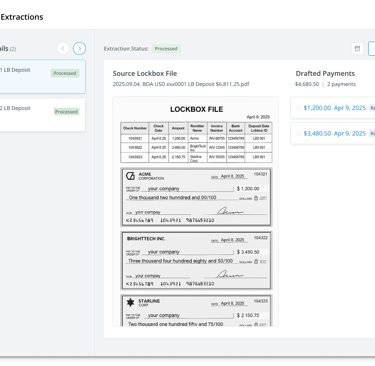
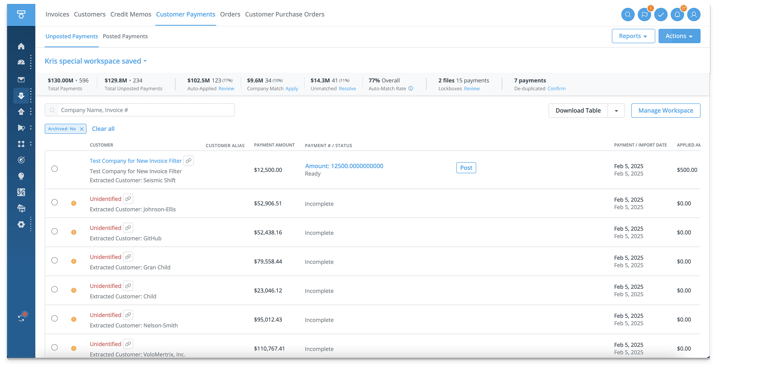
The new view showed total lockbox files processed, a tally of payments created, and the ability of modify payment details.
Impact and Outcomes
This feature offered immediate relief to our lockbox-based customers, eliminating manual payment breakdown and speeding up the daily cash application process.
It also opened the door for the Cash Application module as a stand-alone solution and net new entry point for customers.